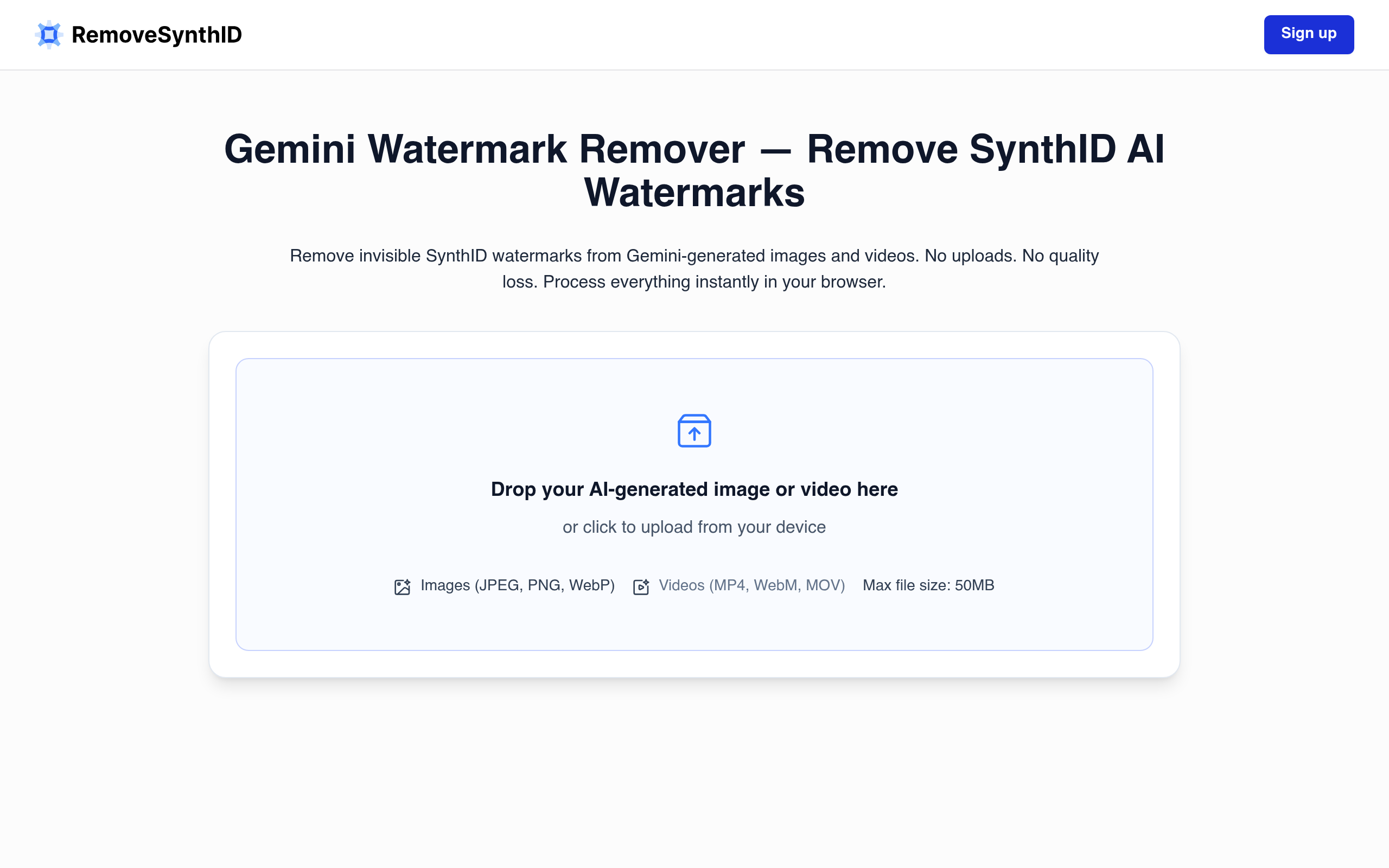
Browser-based tool for reducing invisible SynthID watermark signals in Gemini-generated images, with local processing.
RemoveSynthID is a browser-based utility designed for processing Gemini-generated images that may contain invisible SynthID watermark signals. Rather than relying on simple metadata removal, the tool applies pixel-level and frequency-pattern adjustments aimed at reducing SynthID detectability while preserving the visible appearance of the image.
All processing happens locally within the user’s browser, ensuring that images never leave the device or get uploaded to external servers. This approach provides a private workflow for creators, designers, marketers, agencies, and everyday users who work with AI-generated visuals and prefer to keep their files secure.
The tool supports common image formats including JPEG, PNG, and WebP, making it compatible with most standard workflows. It is particularly useful for content creators who need to process multiple images quickly without compromising on privacy or quality.
RemoveSynthID should be understood as a quality-preserving content processing utility rather than a guaranteed universal bypass for all detection systems. Results may vary depending on the specific image, compression levels, previous edits, and the detection methods employed by different platforms.
Users are encouraged to retain original files and comply with applicable platform rules, disclosure requirements, and local regulations when using processed images.
To provide the best experiences, we and our partners use technologies like cookies to store and/or access device information. Consenting to these technologies will allow us and our partners to process personal data such as browsing behavior or unique IDs on this site and show (non-) personalized ads. Not consenting or withdrawing consent, may adversely affect certain features and functions.
Click below to consent to the above or make granular choices. Your choices will be applied to this site only. You can change your settings at any time, including withdrawing your consent, by using the toggles on the Cookie Policy, or by clicking on the manage consent button at the bottom of the screen.